
How to Create Degraded Audio Textures
Damage becomes useful when the source still leaves a trace.
Degraded texture is not simply distortion, noise or a damaged recording. The useful part is the tension between recognition and change: enough of the source remains to give the result identity, but its surface, movement or space behaves differently.
The order matters. Start with a clear source, decide what must survive, damage one part of it, then add movement or space. When all four happen at once, it becomes difficult to hear which decision actually helped.
Start with a source that has a readable shape
The processor needs something to push against. A sustained pad gives spectral processing time to move. A vocal carries formants and breaths. A drum loop provides transients and gaps. A single guitar note offers pitch, pick noise and a natural decay.
Before adding effects, listen for the feature that makes the source recognisable:
- the transient of a drum;
- the vowel of a voice;
- the pitch centre of a synth;
- the attack and decay of a guitar;
- the background detail in a field recording.
That feature is your anchor. If every stage destroys it, the result may be dramatic but interchangeable.
Choose one primary form of damage
Degradation becomes easier to control when each stage has a job. Start with one dominant transformation rather than stacking five effects at full intensity.
Saturation and tone damage
Drive compresses peaks and adds harmonics. Tone shaping can make those harmonics feel dark, brittle, thin or forward. Used in parallel, severe saturation can remain a trace around a cleaner source instead of replacing it.
Granular fragmentation
Granular processing divides audio into short pieces called grains. Grain size affects whether the result feels particulate or suspended. Density controls how continuous the cloud becomes. Temporal and stereo spread make the movement less predictable, while octave shifts can detach fragments from the original register without losing all tonal relation.
Filtering and spectral movement
Moving filters can expose and hide different parts of a sound over time. Resonance creates temporary points of focus. Slow motion often produces a more organic texture than obvious rhythmic modulation, especially on sustained material.
Reverse and ambient space
Reverse blooms, shimmer and long reverb tails move attention away from the source event and toward what follows it. This is useful when the texture should feel like a wake, shadow or environment rather than a processed duplicate.
Build movement after the texture works
First make the static colour convincing. Then add change.
Movement can come from grain position, density, filter motion, changing effect order, stereo spread or the interaction between dry signal and reverb tail. Keep at least one stable element. If pitch, spectrum, rhythm, position and dynamics all move independently, the listener has nothing to follow.
A simple test is to bypass the modulation while leaving the tone intact. If the sound immediately loses all interest, the base texture may need more work.
Use parallel processing to preserve identity
Many degraded textures fail because the effect is treated as an all-or-nothing replacement. Parallel processing lets the original timing or pitch remain while the processed layer supplies damage and atmosphere.
Try these balances:
- mostly dry for drums when the transient must stay precise;
- equal dry and processed levels for vocals that need to remain intelligible;
- mostly processed for pads and transitions where the tail is the main event;
- automated balance when a sound should move from recognisable to abstract.
The right amount is not determined by how impressive the effect sounds in solo. It is determined by what the texture contributes in context.
Change the order, not only the settings
Effect order changes the material each stage receives. Saturation before granular processing creates grains from an already harmonically dense source. Granular processing before saturation can bind scattered pieces into a more unified layer. Filtering before reverb changes what enters the space; filtering after reverb reshapes the entire tail.
When a chain feels close but static, reorder two stages before adding another processor.
Print several passes and curate them
Unpredictable processing is most useful when selection is part of the workflow. Record several passes, then stop generating and listen back without touching controls.
Ask three questions:
- Does the result retain a useful relationship with the source?
- Does it add movement, colour or space that the original did not provide?
- Would you recognise this moment again in a larger session?
Keep the passes that answer those questions. Delete or ignore the rest. The goal is not to prove that every transformation was worth saving.
A practical DERIVA workflow
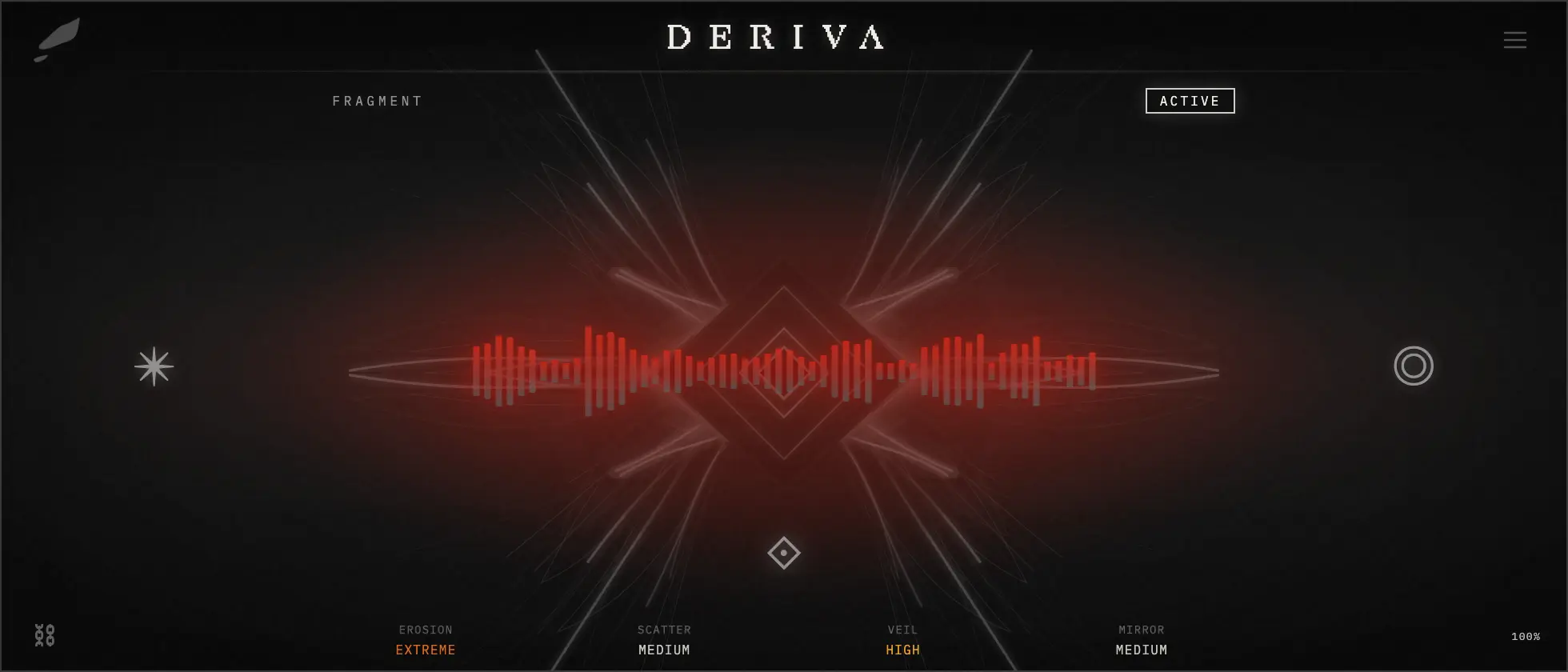
DERIVA applies this process through four Engines: Erosion for destructive colour, Scatter for granular clouds, Veil for filtering and spectral movement, and Mirror for reverse bloom and ambient space.
Insert it on vocals, drums, synths, guitar or a full loop. Fracture generates a new combination, the Engines process the incoming signal, and Offer asks whether the active Fragment should become a Remnant in the Archive. This makes curation part of the effect rather than something postponed until the session is full of alternatives.
You do not need DERIVA to use this method. Keep one recognisable anchor, damage the sound with a clear intention, add movement only when the colour already works, and print fewer passes than you think you need.
A generative texture processor for degraded movement, atmospheric detail and playable sound-design accidents.